Meeting Notes
Capture agendas, action items, and decisions to keep every meeting organized. Purchase includes the browser web app plus the matching Notion template download delivered by PayHip.
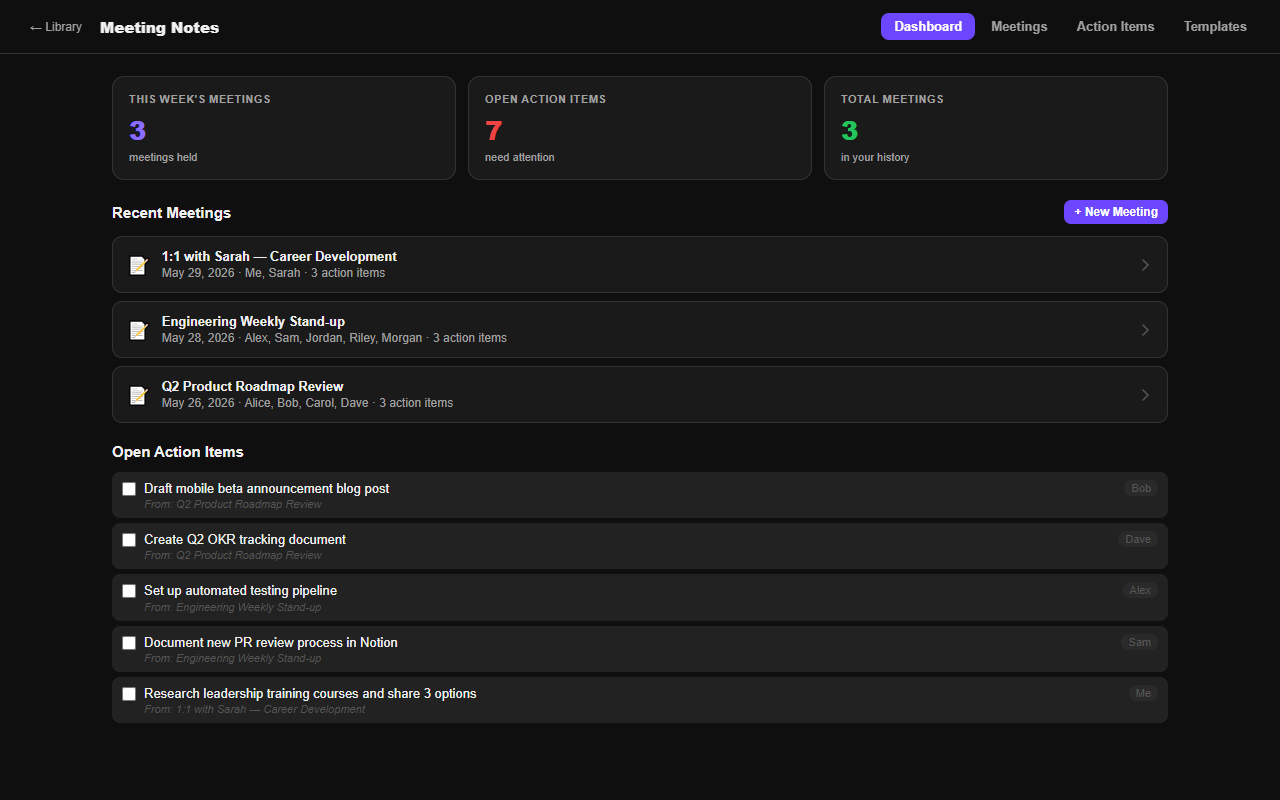
What's included
How access works
Checkout opens securely on PayHip. PayHip emails the Notion download to the purchase email. When checkout is completed from My Library, the matching web app unlocks in this browser automatically. If you bought from the homepage, use My Library purchase help with the same PayHip receipt email to restore access after the server receives the purchase record.
Workflow guide
What Meeting Notes is designed to solve
This paired Notion template and browser app is designed for individuals and small teams that need meetings to produce traceable decisions and owned follow-up work. Its practical purpose is to keep agenda, attendees, decisions, action items, owners, and due dates in one reusable record. The two formats support the same planning job: use the browser app for a fast working view and the Notion copy when you want the information inside your existing workspace.
A launch review can record the final date decision, the evidence considered, three assigned actions, and the next checkpoint.
Setup path
A four-step working routine
- 1Prepare the agenda
State the decision or outcome required instead of listing only discussion topics.
- 2Capture decisions
Record what was agreed, why, and which open issue remains.
- 3Assign actions
Give every action an owner and due date before the meeting ends.
- 4Close the loop
Review unresolved items at the next checkpoint and mark obsolete work clearly.
Good fit
Choose it when
Choose this when meeting history exists but decisions and follow-ups are difficult to retrieve.
Boundary
Look elsewhere when
It does not record calls, transcribe audio, schedule calendars, or enforce completion automatically.
Before checkout
Questions to answer first
- Does every recurring meeting have a defined purpose?
- Can a future reader understand why a decision was made?
- Are action owners and deadlines explicit?
Product questions
Frequently asked questions
What is included with the purchase?
The purchase includes the matching Notion template download and access to the browser-based app described on this page. Checkout and the digital download are handled by Payhip. Keep the receipt email because it is the reference used for purchase support.
Where is browser-app data stored?
The app is designed as a lightweight browser tool. Treat the device and browser profile you use as part of the working setup, and export or preserve important records separately. Do not enter passwords, payment-card data, medical records, or other highly sensitive information.
Can I customize the Notion template?
Yes. After the template is duplicated into your own Notion workspace, you can rename fields, change views, add properties, and remove sections that do not fit your routine. Preserve a clean original copy before making large structural changes.
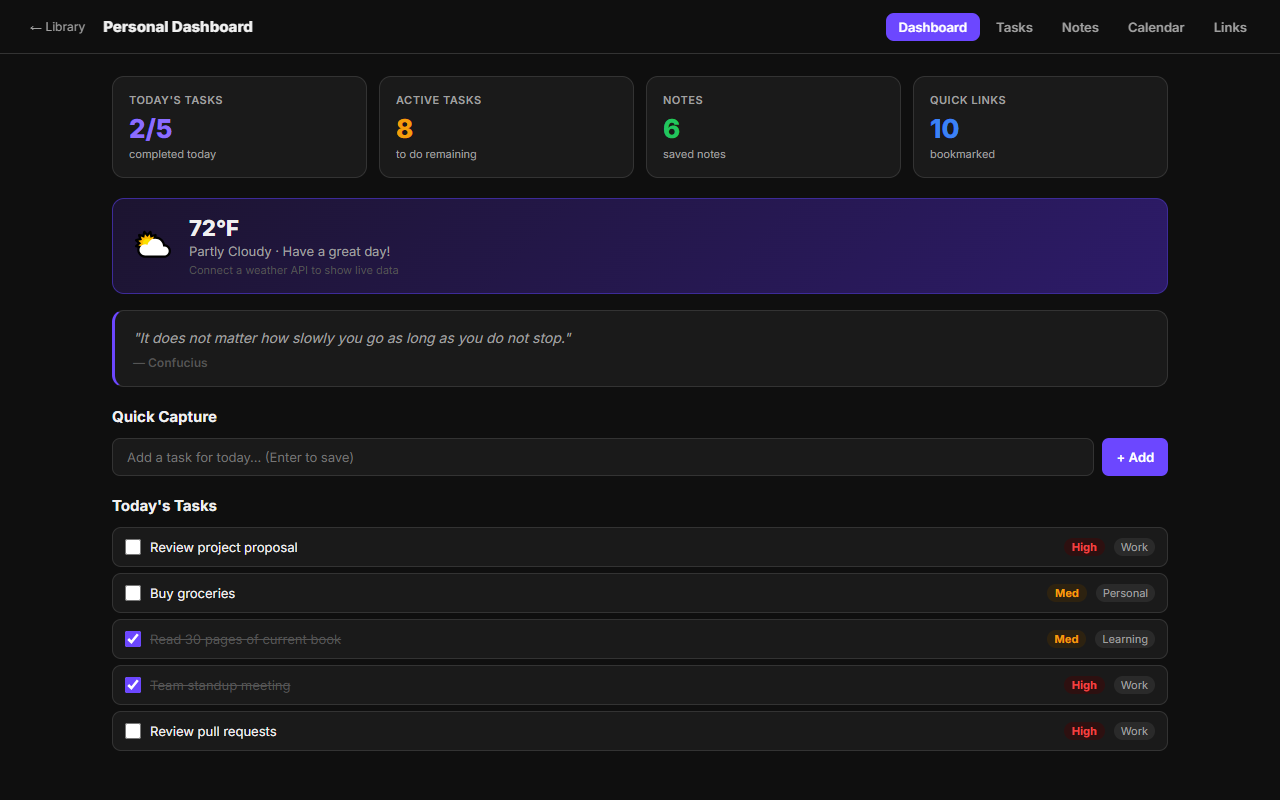 Personal Dashboard
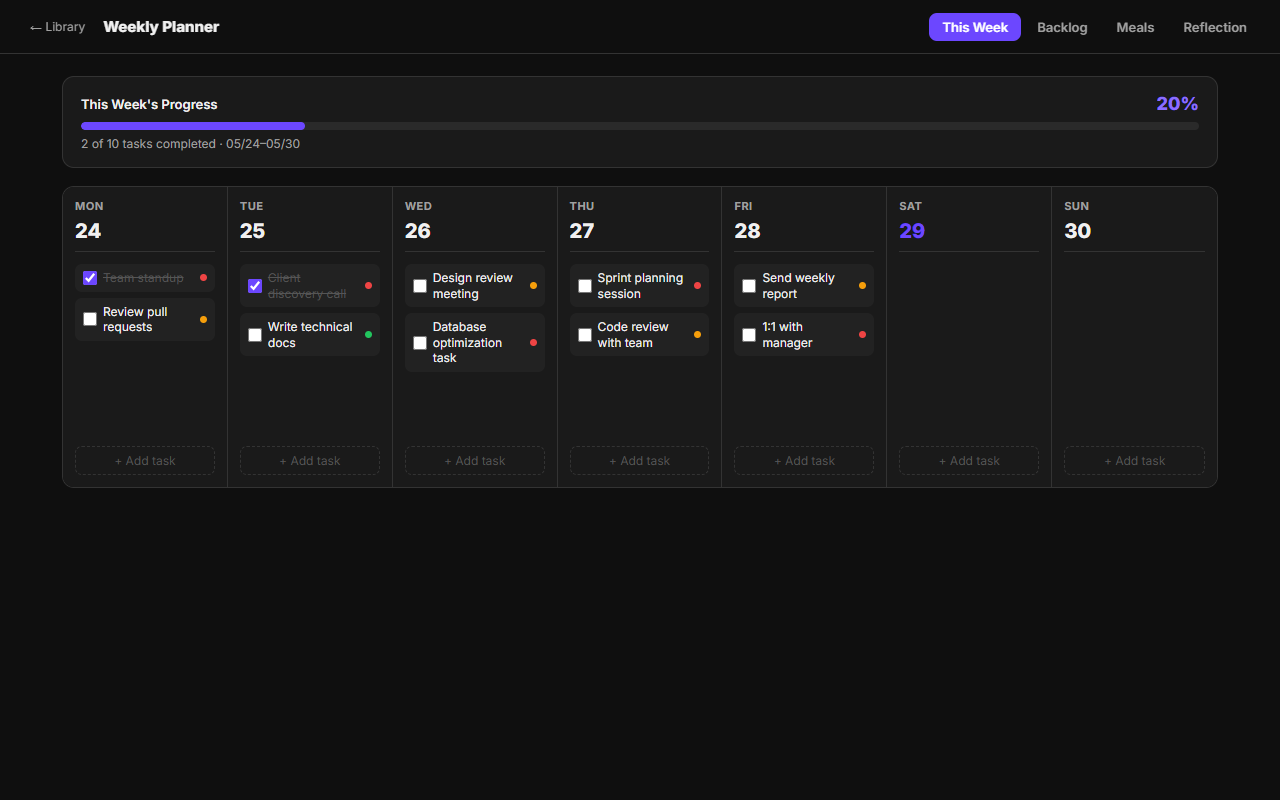 Weekly Planner
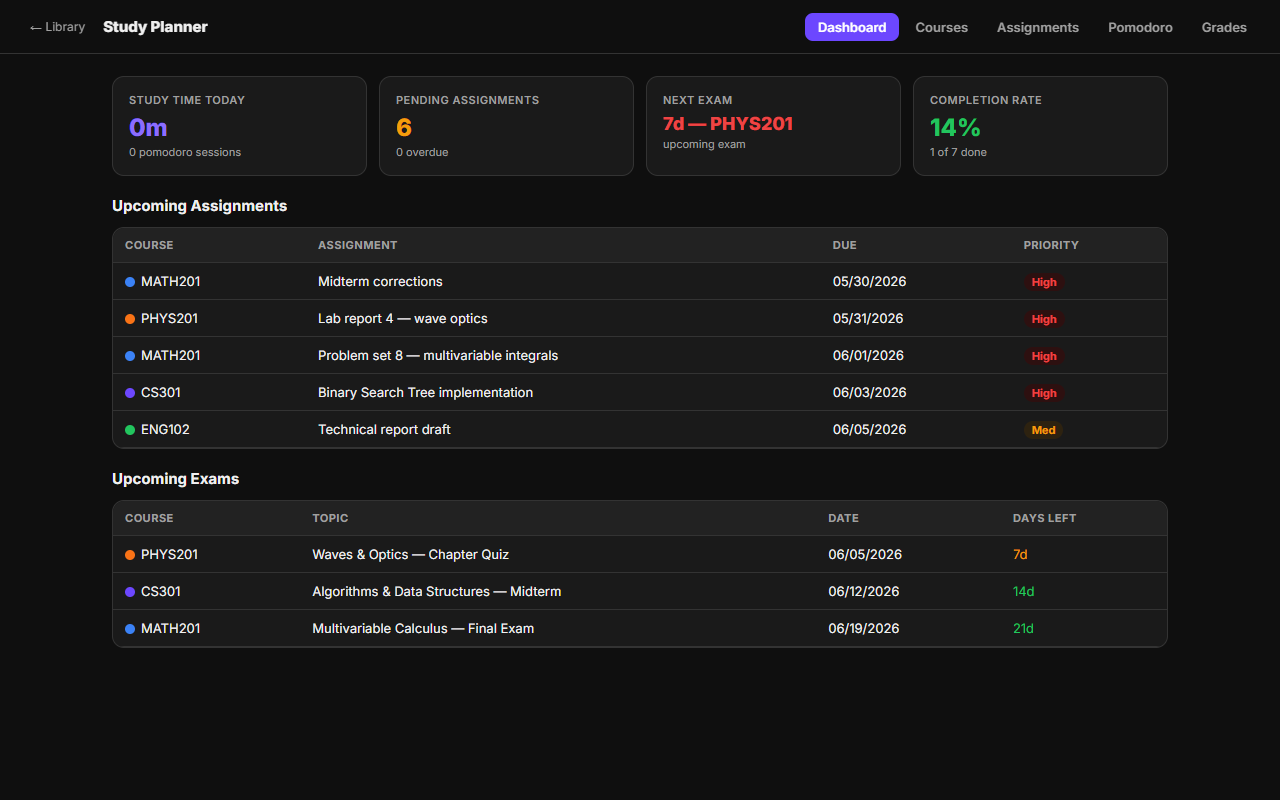 Study Planner