CRM Template
Manage clients, deals, contacts, and pipeline with a full CRM system. Purchase includes the browser web app plus the matching Notion template download delivered by PayHip.
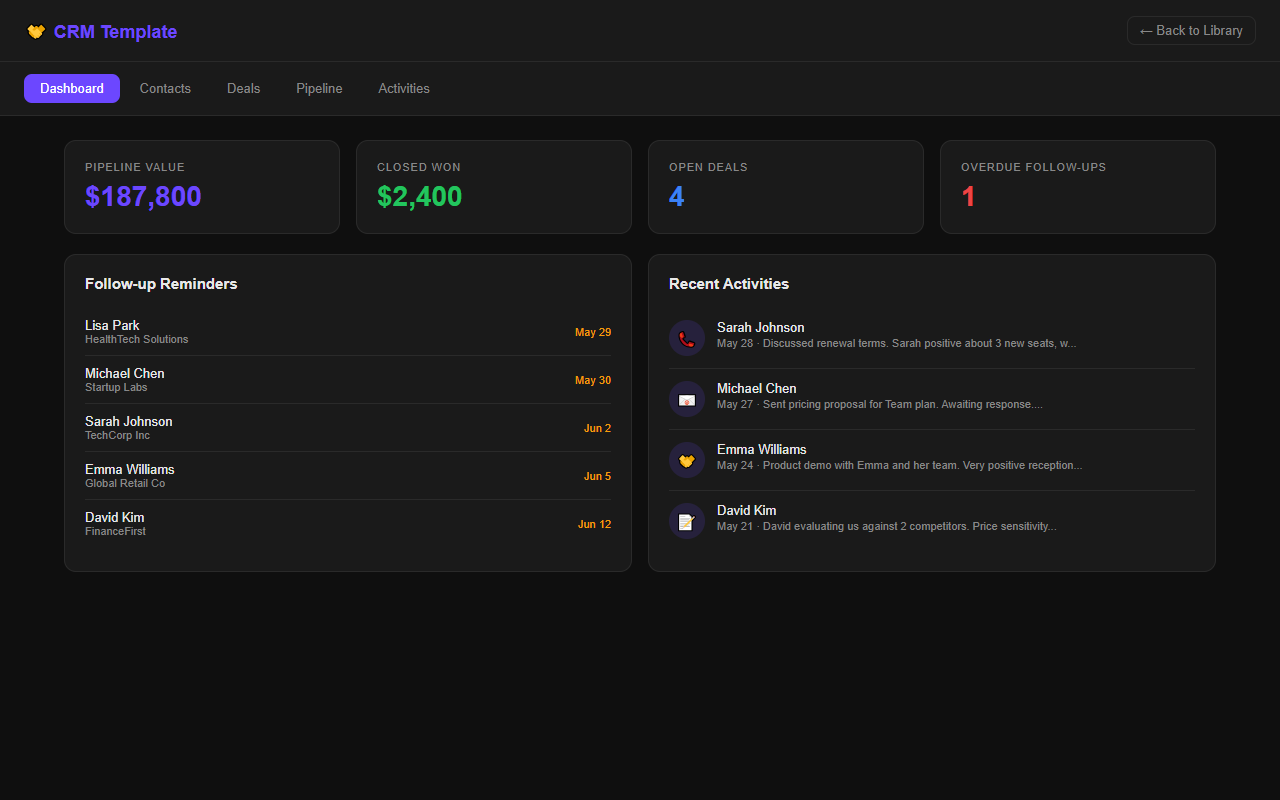
What's included
How access works
Checkout opens securely on PayHip. PayHip emails the Notion download to the purchase email. When checkout is completed from My Library, the matching web app unlocks in this browser automatically. If you bought from the homepage, use My Library purchase help with the same PayHip receipt email to restore access after the server receives the purchase record.
Workflow guide
What CRM Template is designed to solve
This paired Notion template and browser app is designed for freelancers, consultants, and small sales teams that need a clear relationship and deal follow-up routine. Its practical purpose is to keep contacts, opportunities, activity notes, next actions, and pipeline stages connected. The two formats support the same planning job: use the browser app for a fast working view and the Notion copy when you want the information inside your existing workspace.
A proposal-stage opportunity can link to the decision maker, expected value, last conversation, next follow-up date, and open concern.
Setup path
A four-step working routine
- 1Define stages
Use stages that reflect real buyer commitments rather than vague labels.
- 2Add active contacts
Start with current relationships and record role, company, source, and communication context.
- 3Create next actions
Every open deal should have one dated follow-up owned by a specific person.
- 4Review pipeline
Update stalled opportunities and preserve the reason a deal advanced, paused, won, or closed.
Good fit
Choose it when
Choose this for a manageable relationship pipeline where disciplined notes and follow-ups matter more than automation.
Boundary
Look elsewhere when
It is not designed for mass email, call recording, complex permissions, or regulated customer-data workflows.
Before checkout
Questions to answer first
- Can you define objective entry and exit criteria for each stage?
- What personal data is truly necessary to store?
- Who checks overdue follow-ups?
Product questions
Frequently asked questions
What is included with the purchase?
The purchase includes the matching Notion template download and access to the browser-based app described on this page. Checkout and the digital download are handled by Payhip. Keep the receipt email because it is the reference used for purchase support.
Where is browser-app data stored?
The app is designed as a lightweight browser tool. Treat the device and browser profile you use as part of the working setup, and export or preserve important records separately. Do not enter passwords, payment-card data, medical records, or other highly sensitive information.
Can I customize the Notion template?
Yes. After the template is duplicated into your own Notion workspace, you can rename fields, change views, add properties, and remove sections that do not fit your routine. Preserve a clean original copy before making large structural changes.
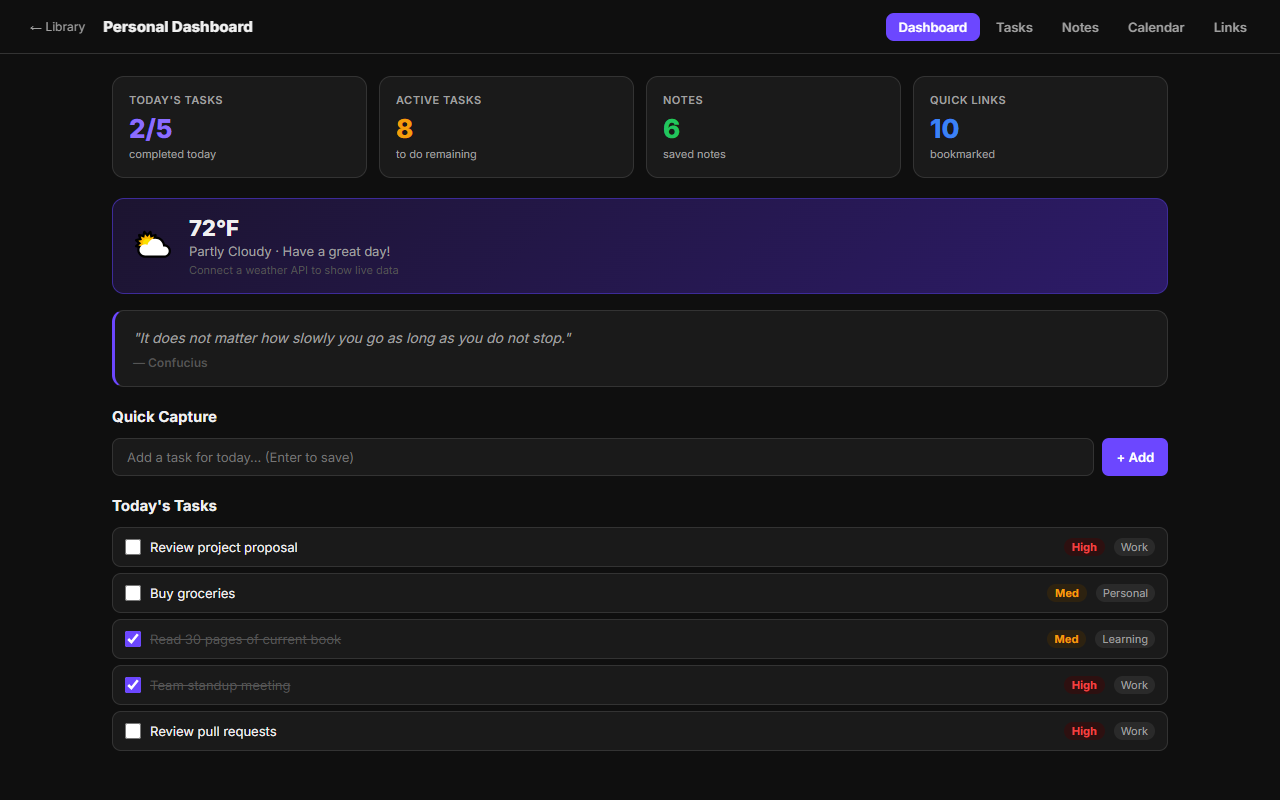 Personal Dashboard
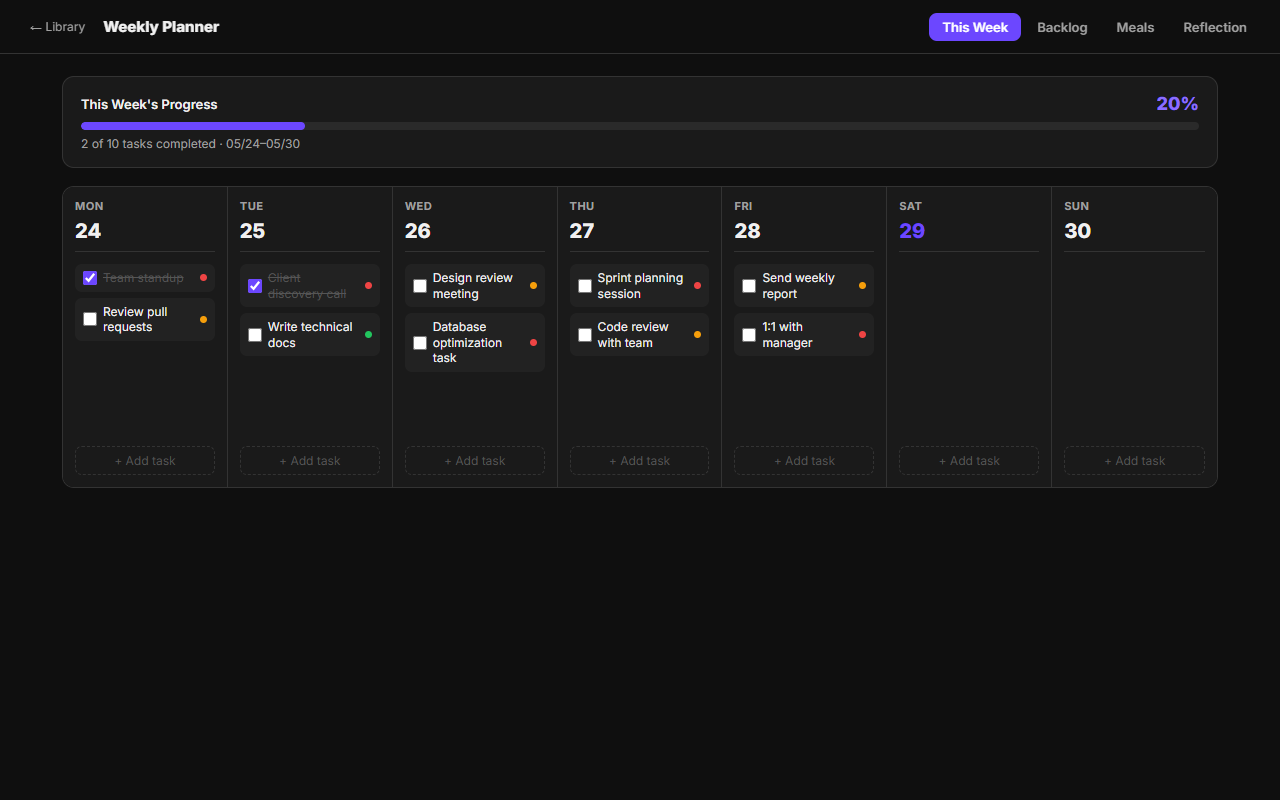 Weekly Planner
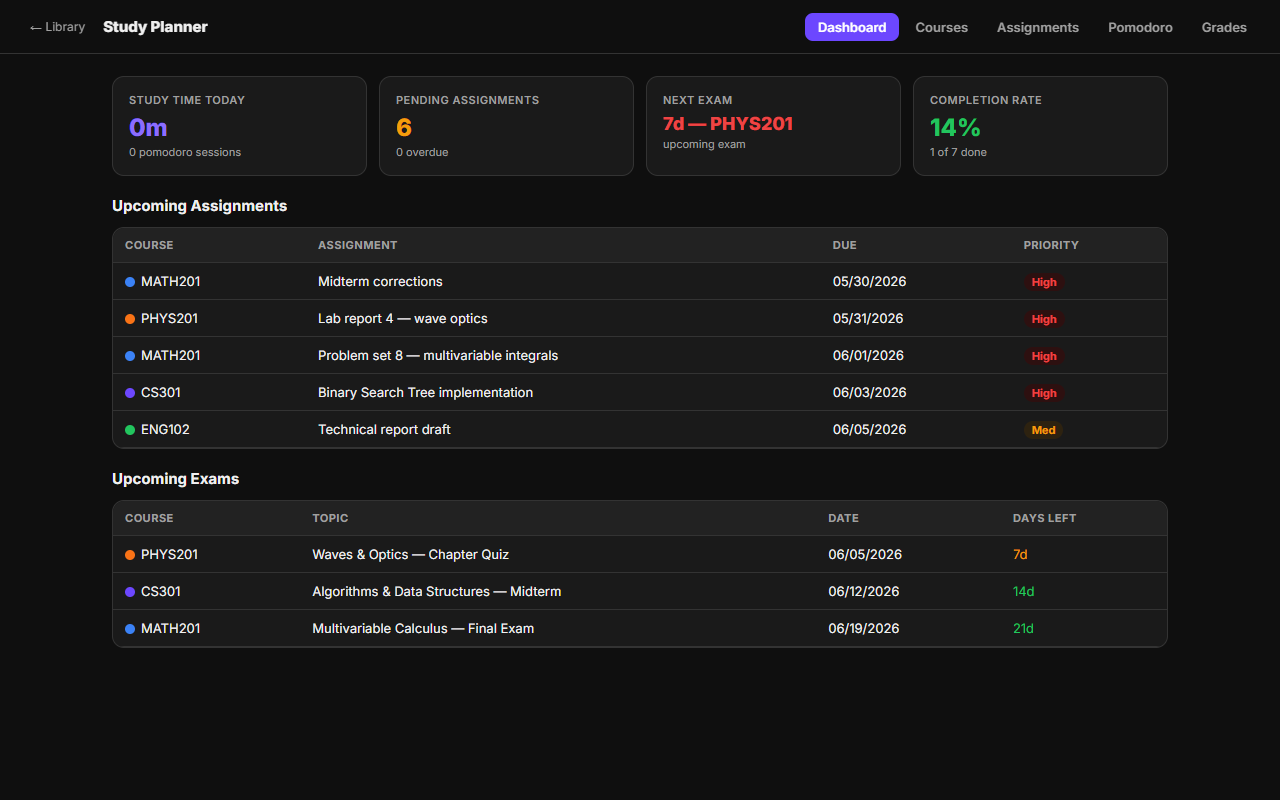 Study Planner